🔹 What is RDroidApps?
RDroidApps is an independent software platform created to make everyday digital work easier, faster, and more
reliable. The website brings together carefully designed Android applications, Windows desktop tools, and
essential utilities that help users manage documents, images, audio files, and system tasks with confidence.
Unlike many platforms that focus on aggressive monetization, forced sign-ups, or excessive permissions,
RDroidApps
follows a user-first approach. Every tool and application is designed to be lightweight, straightforward, and
respectful of user privacy. The goal is simple: provide useful tools that do exactly what they promise,
without
hidden behavior or unnecessary distractions.
RDroidApps is built for students, professionals, creators, small businesses, and everyday users who value
clean
software and predictable behavior. Whether you need to compress a PDF, convert images, manage files, or use a
practical Android utility, RDroidApps aims to understand real-world needs and deliver focused solutions.
This website is developed and maintained by an independent developer with a strong emphasis on long-term
usability, transparent design, and continuous improvement. Every feature added to RDroidApps is guided by the
principle that software should serve the user — not exploit them.
🔹 Why Choose RDroidApps?
Choosing the right tools matters, especially when handling personal or professional data. RDroidApps stands
apart
by following a few core principles that guide every product published on the platform.
First, privacy is a priority. RDroidApps avoids unnecessary data collection and tracking wherever possible.
Many
tools are designed to work locally on your device, reducing dependency on external servers and improving
security.
Second, performance matters. The tools provided are optimized to be fast and lightweight, ensuring they run
smoothly even on older systems. There are no bloated installers, no hidden background services, and no forced
updates that interrupt your workflow.
Third, simplicity is intentional. Every interface is designed to be clear and approachable. Features are
explained, workflows are predictable, and users are never forced into confusing steps or misleading buttons.
Finally, RDroidApps is transparent. Each app and tool is described clearly so users understand what it does,
how
it works, and what its limitations are. This honesty builds trust and allows users to make informed decisions.
🔹 Our Approach to Privacy and Security
RDroidApps is built with a strong respect for user privacy and data ownership. Whenever possible, tools are
designed to process files locally on the user’s device rather than uploading them to remote servers. This
approach
reduces exposure, improves speed, and gives users peace of mind.
We do not believe in unnecessary permissions, silent background tracking, or hidden analytics that compromise
user
trust. Any use of analytics or third-party services is disclosed clearly in our Privacy Policy, and users
remain
in control of how they interact with the platform.
Security is treated as a design choice, not an afterthought. By keeping tools focused and lightweight,
RDroidApps
reduces potential risks while maintaining reliability.
🔹 Windows Tools for Productivity
RDroidApps offers a growing collection of Windows tools designed to assist with everyday digital tasks related
to
documents, media files, and system information. These tools are suitable for students, professionals, and
creators who
need focused utilities without complex software suites or unnecessary features.
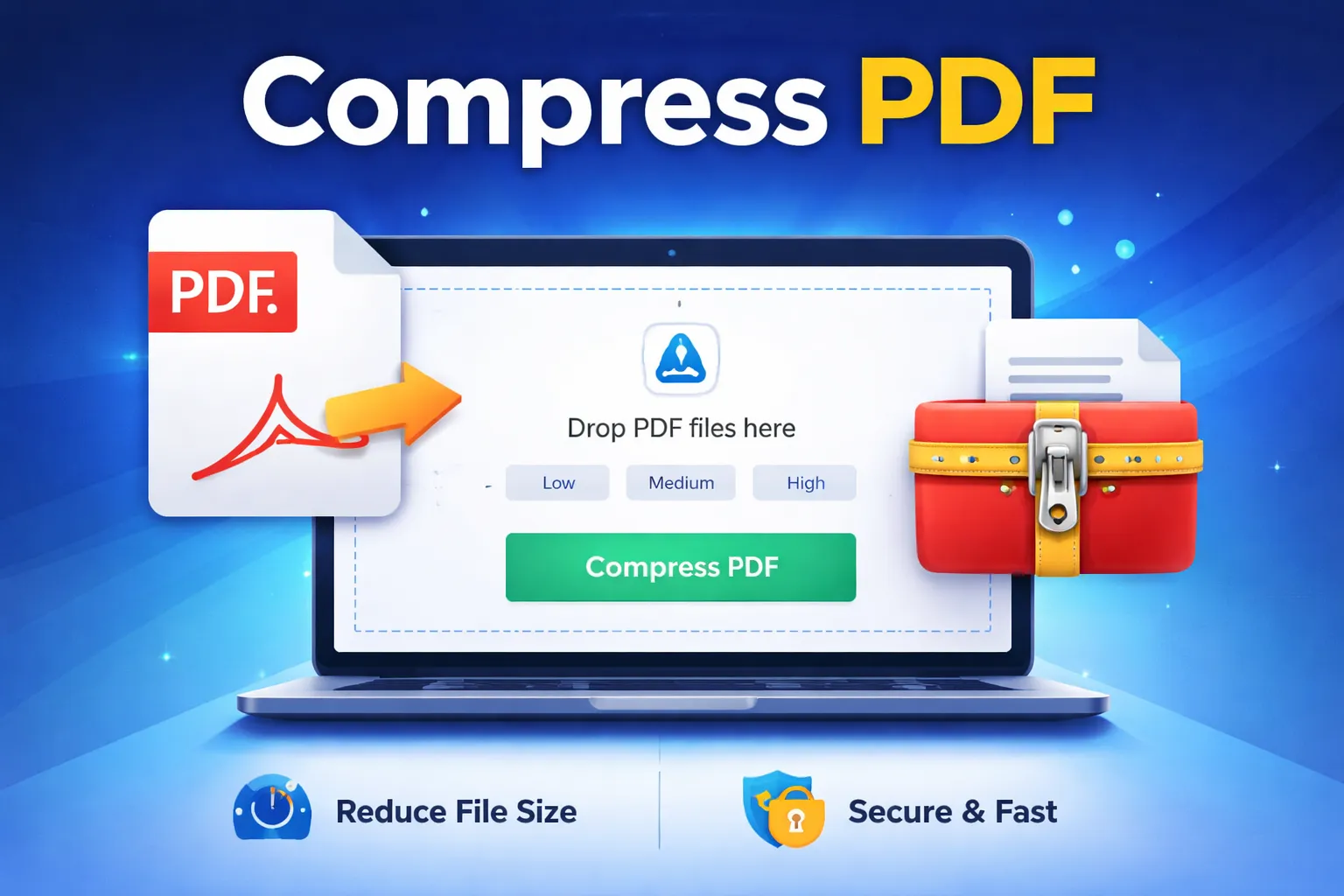
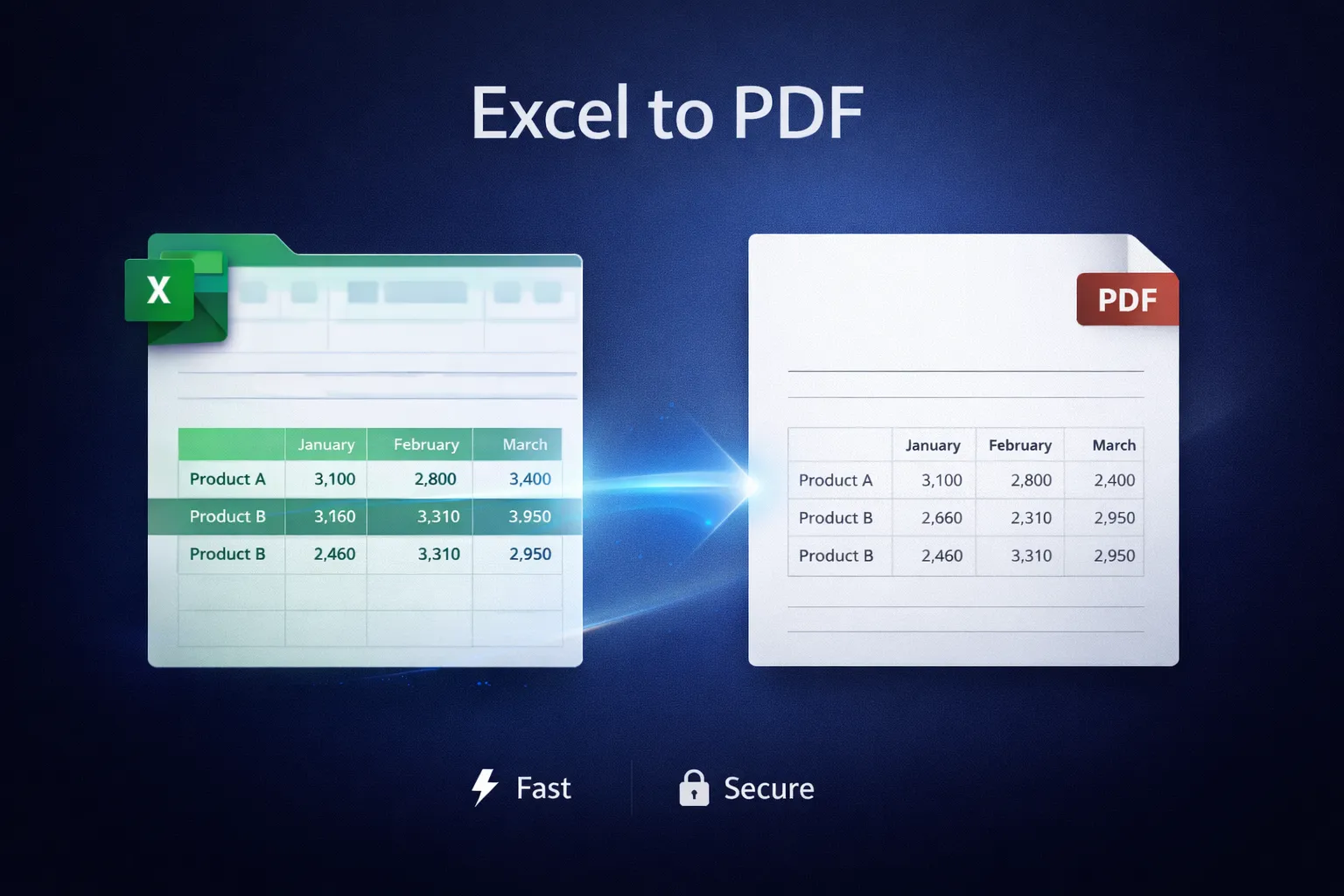
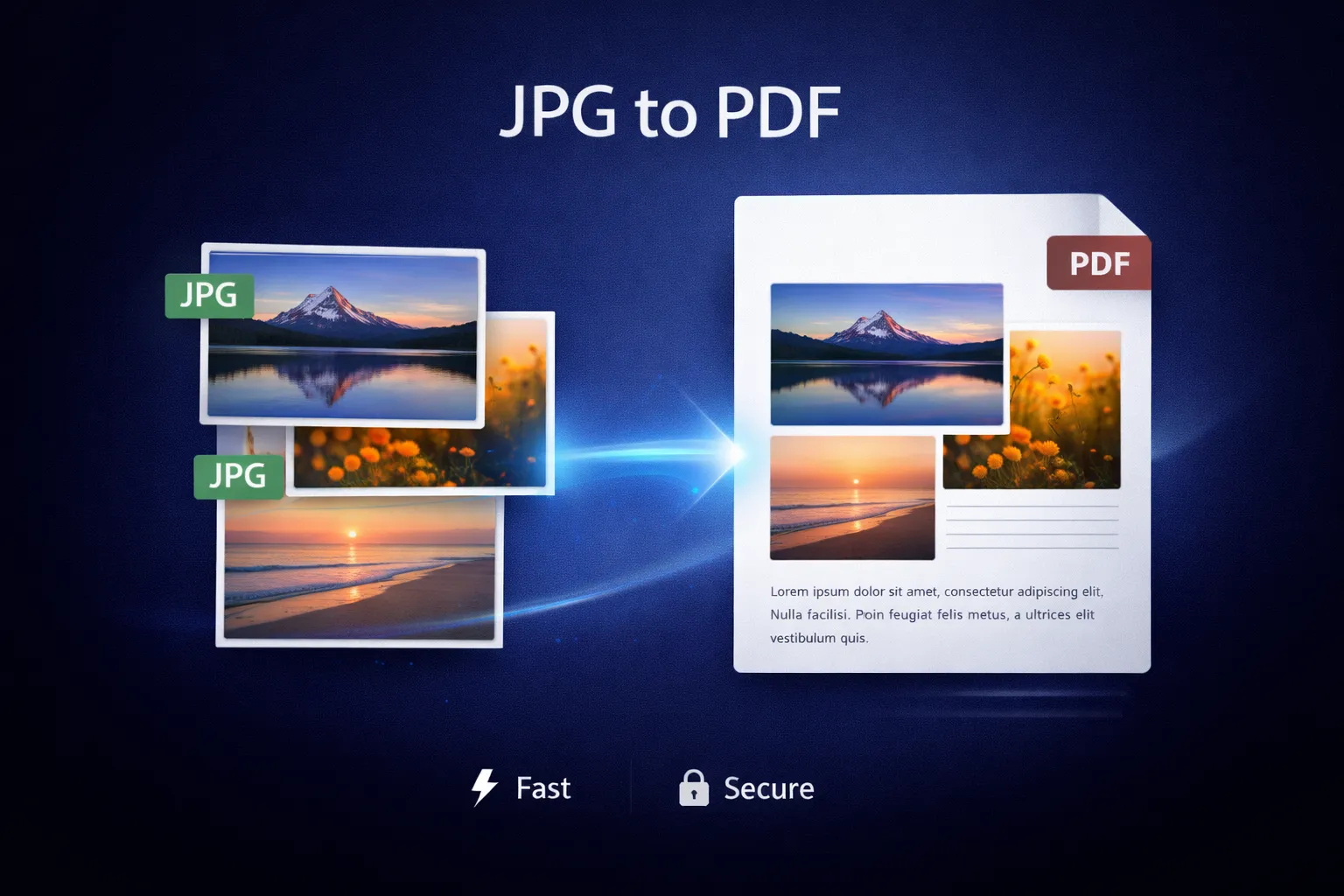
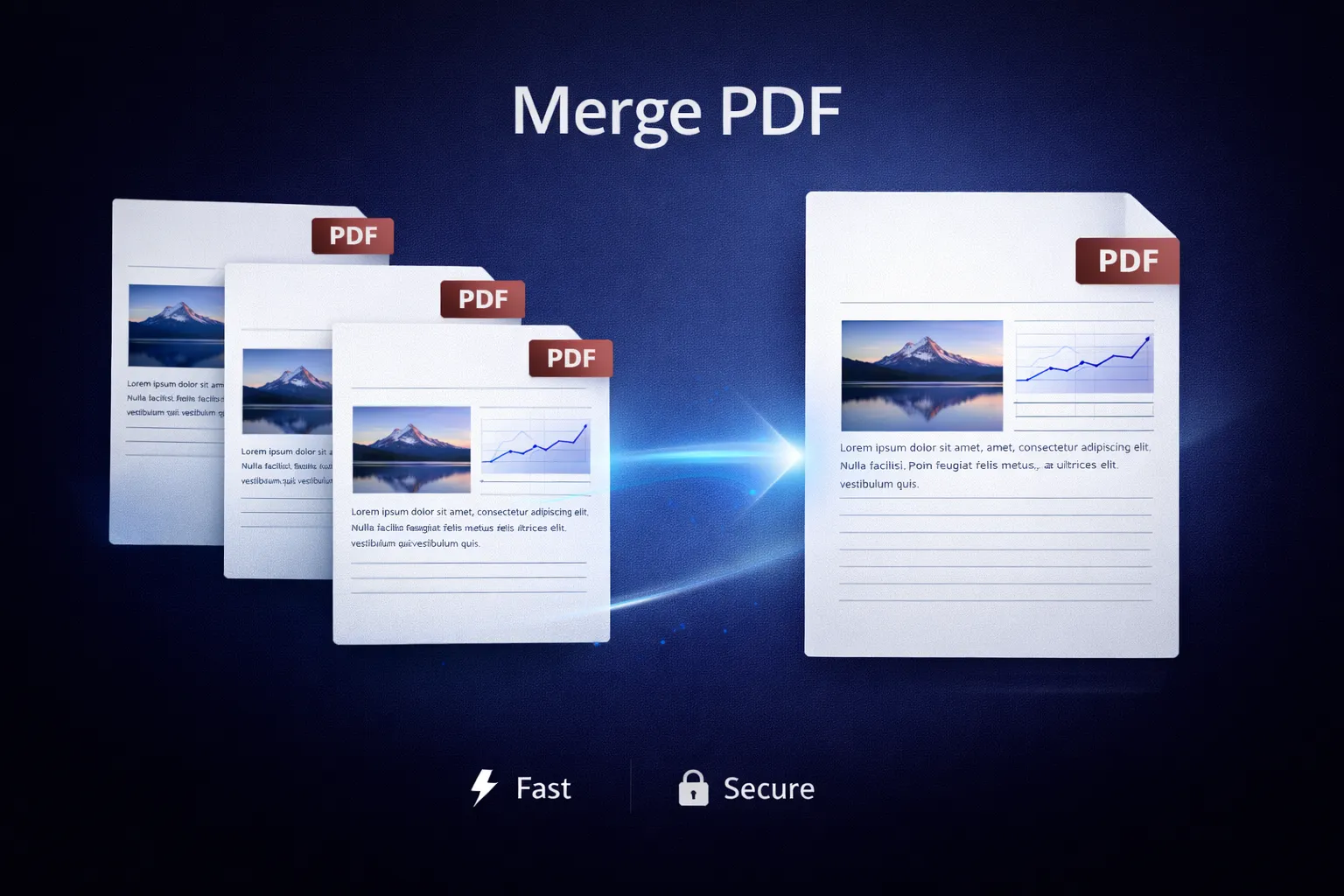
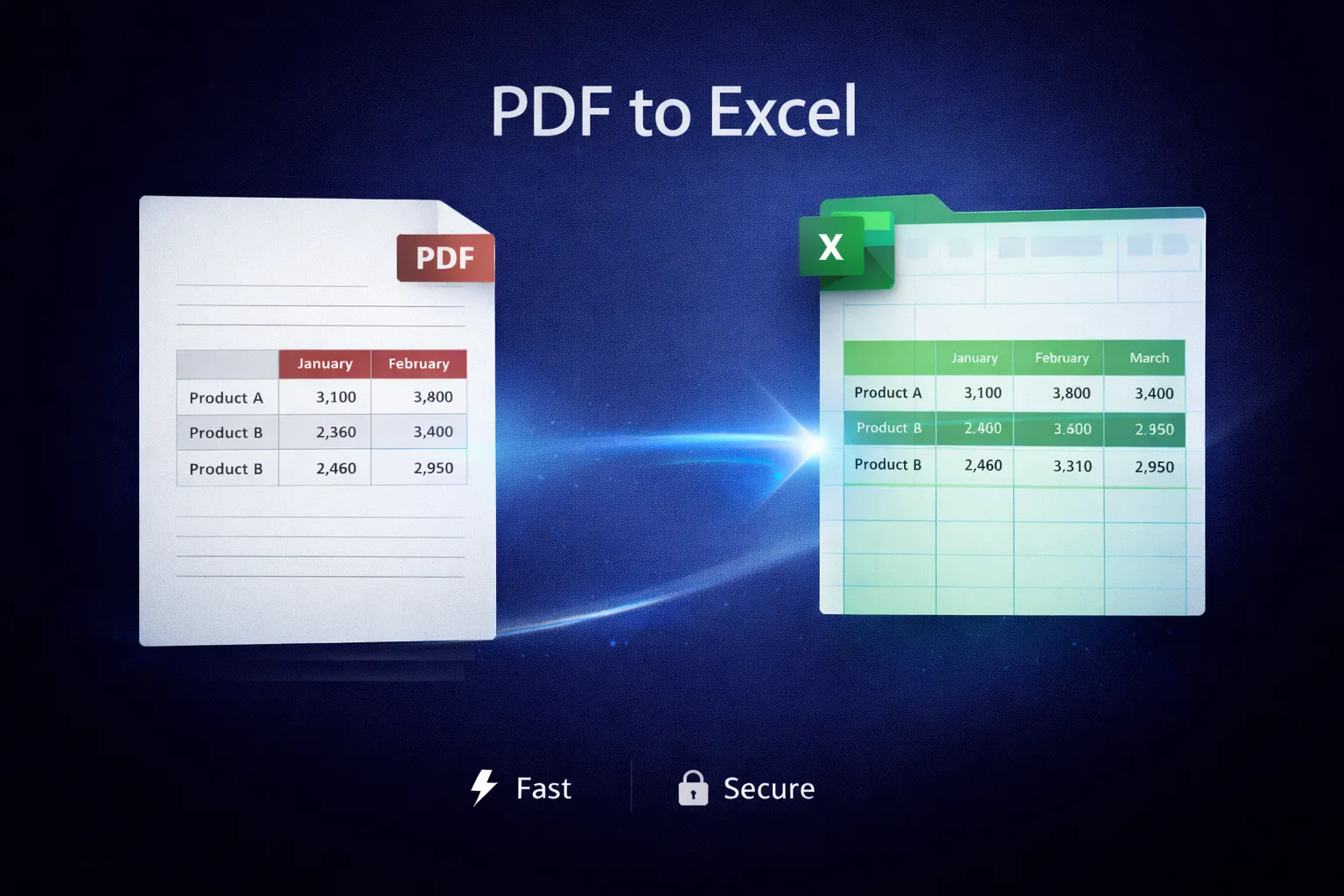
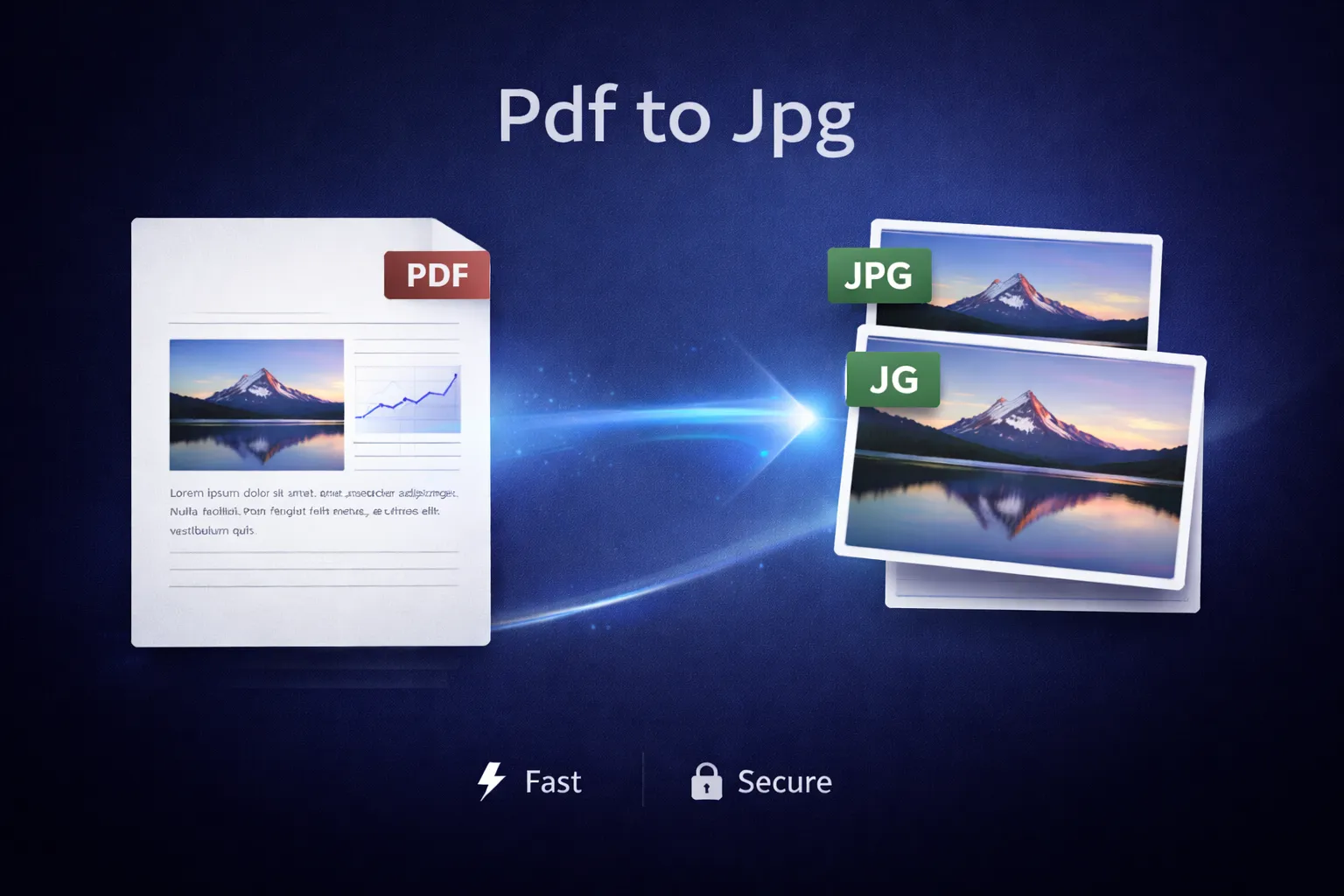
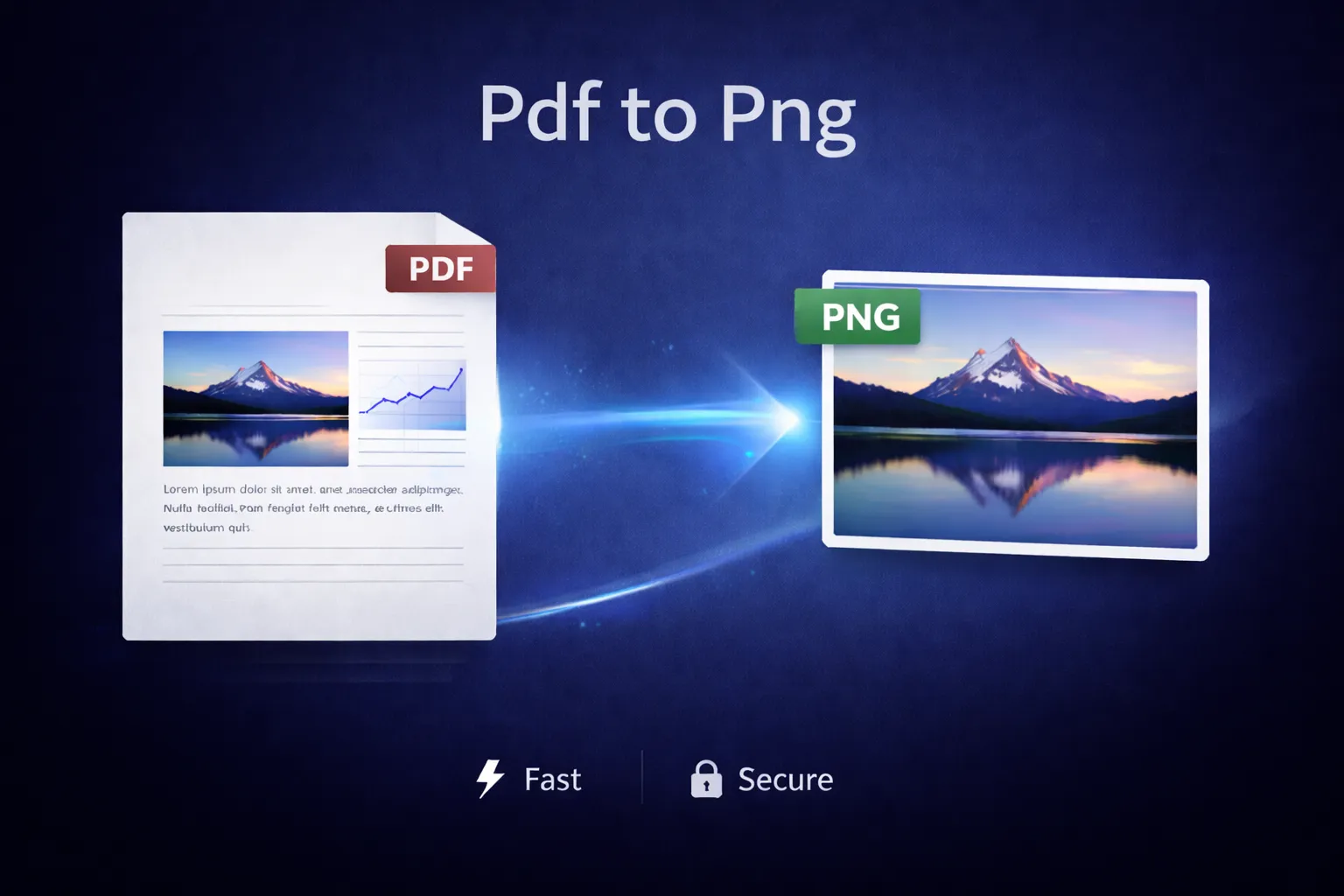
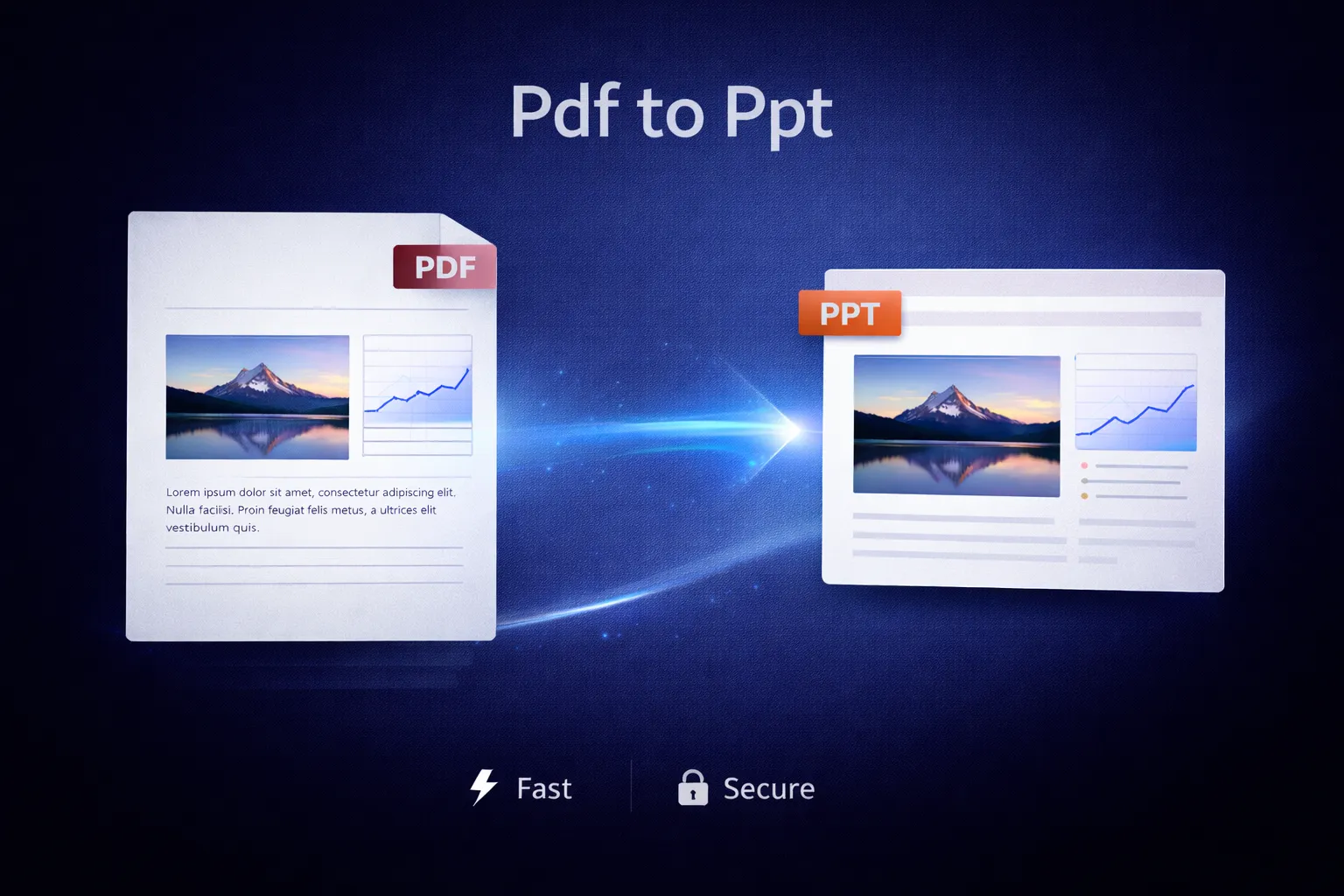
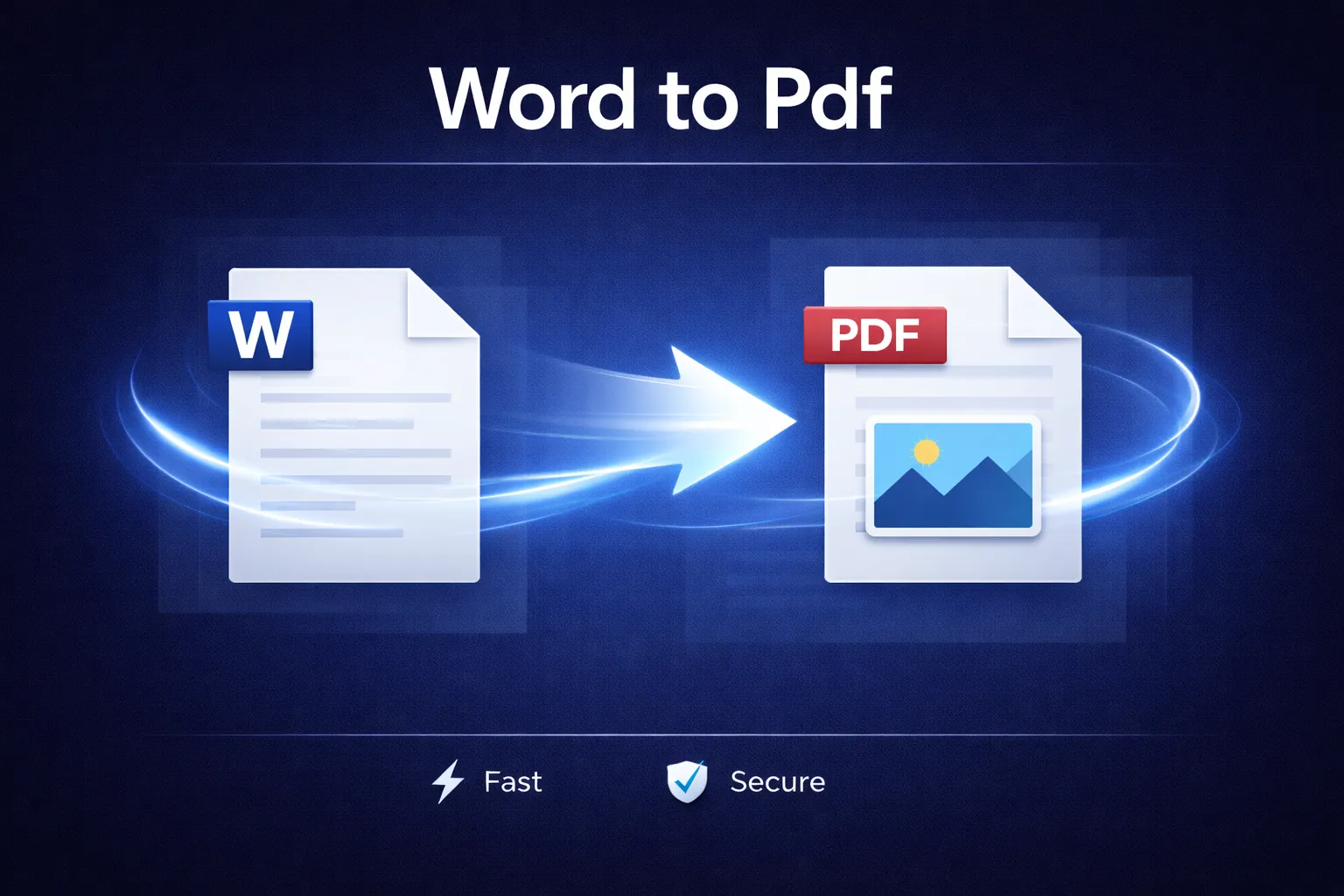
The Windows tools available on RDroidApps include a wide range of PDF utilities such as compressing, merging,
splitting,
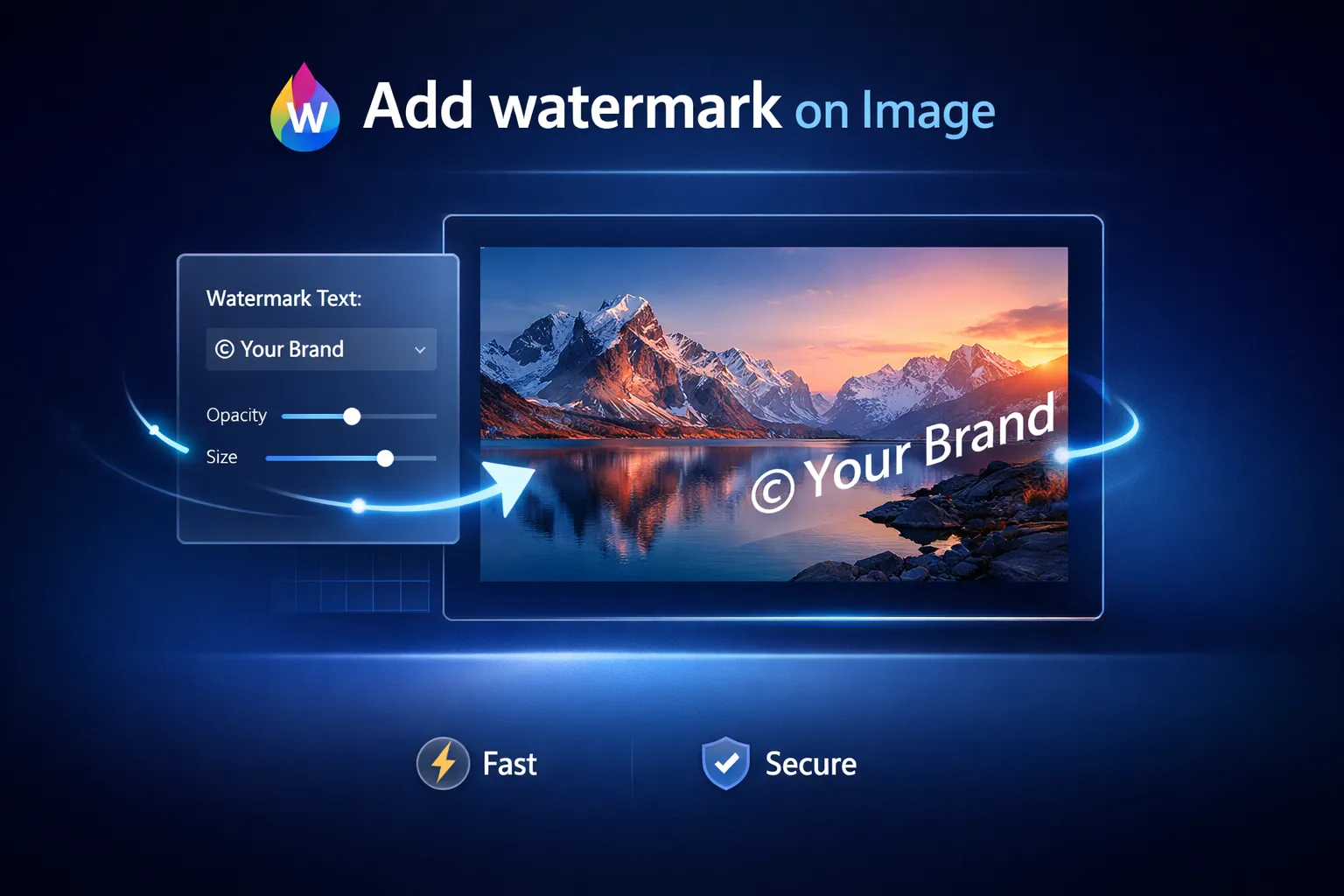
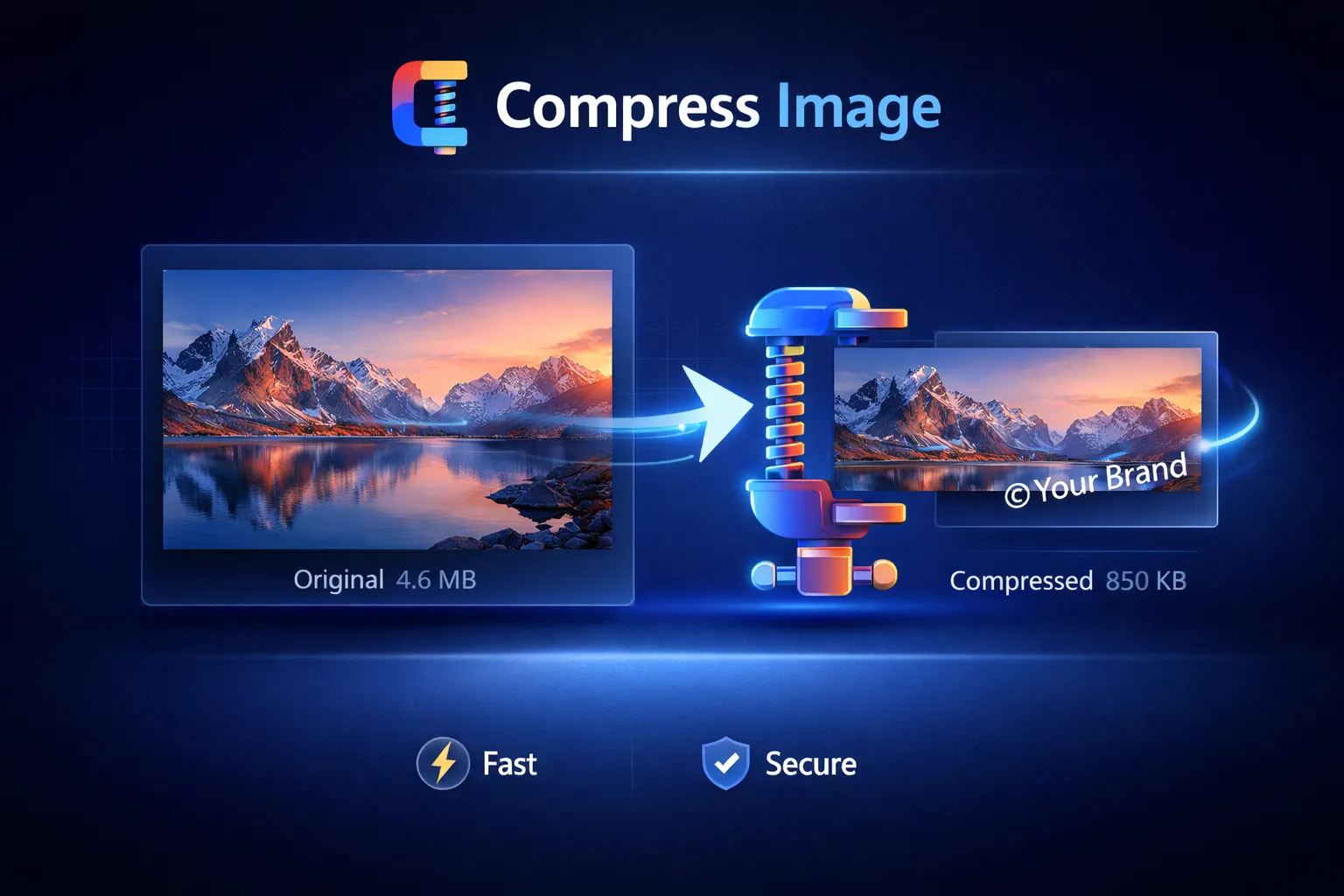
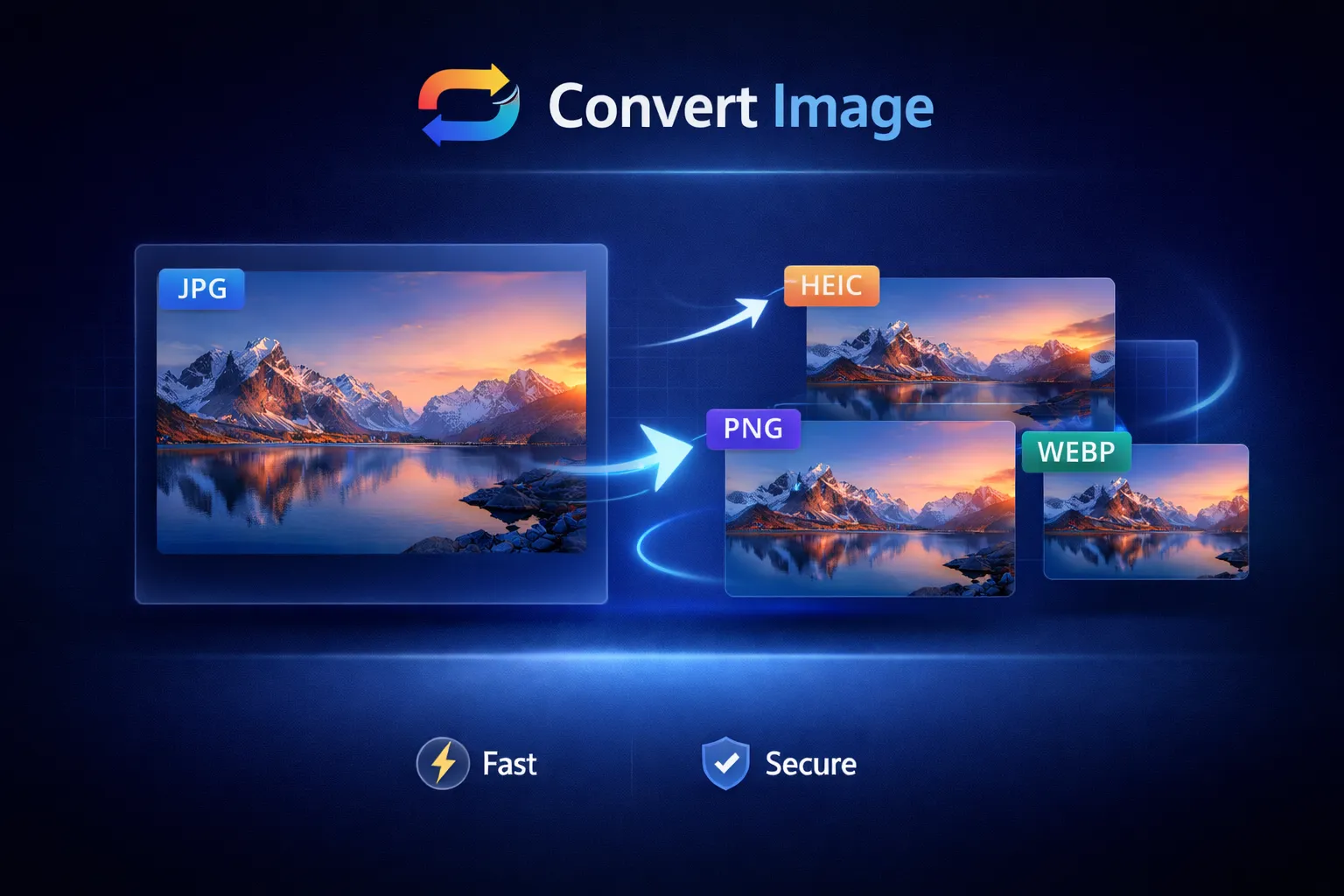
converting, protecting, and editing PDF files. In addition, the platform provides practical image tools for
resizing,
cropping, compressing, converting formats, managing metadata, and preparing images for documents and sharing.
RDroidApps also includes audio tools for trimming, converting, merging audio files, adjusting speed or pitch,
extracting
MP3 tracks, and editing audio metadata. For system-related needs, the platform provides informational and
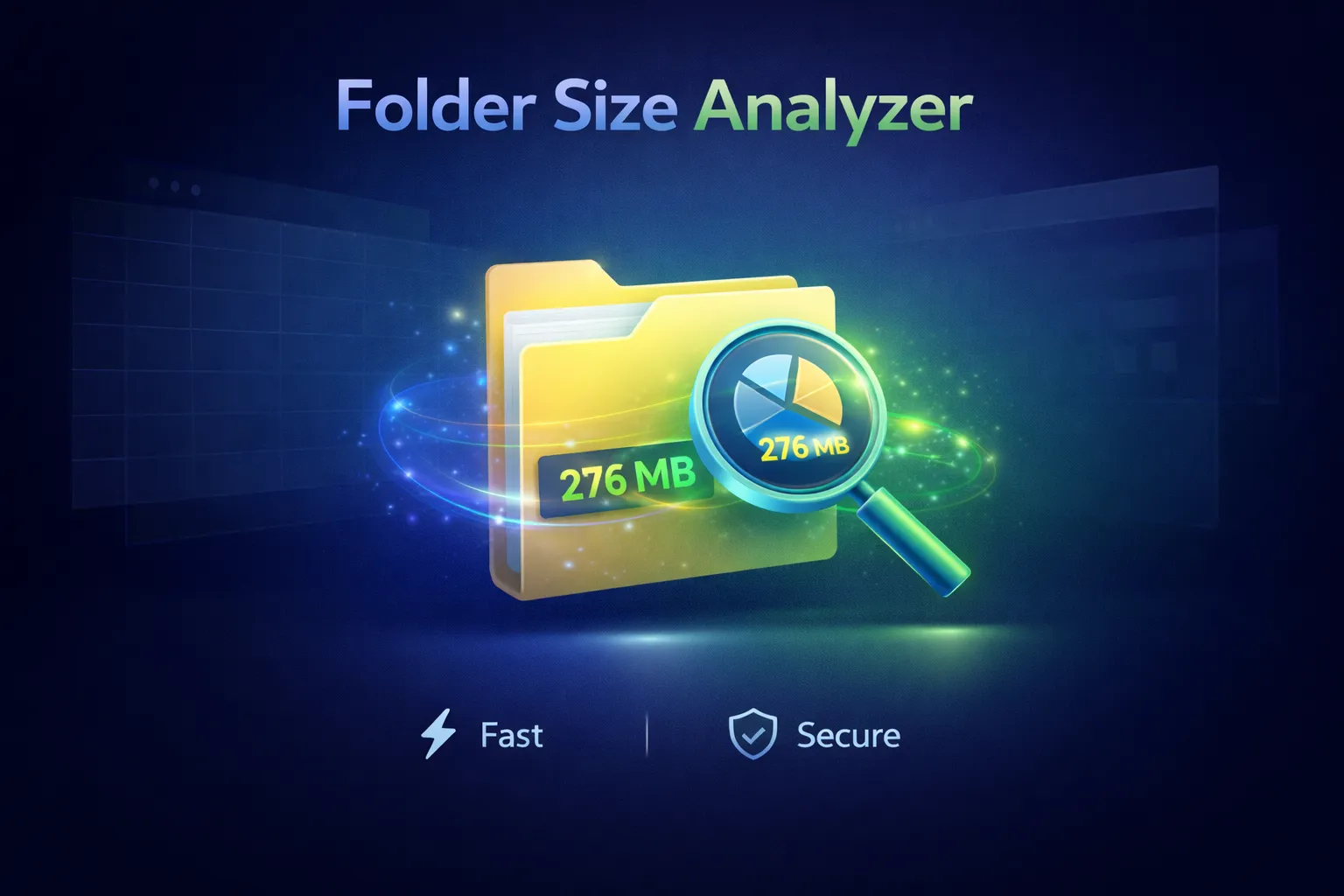
file-management utilities such as file renaming, duplicate file detection, folder size analysis, disk usage
visualization, startup program management, and system information checking.
All Windows tools are organized into clear categories including PDF tools, image tools, audio tools, system
tools, and
utility tools. This structured approach helps users quickly find the exact tool they need, perform a specific
task
efficiently, and continue their work without unnecessary friction or misleading functionality.
🔹 Android Apps Built with Purpose
In addition to desktop tools, RDroidApps develops Android applications that focus on essential functionality
and
clean design. These apps are built to be lightweight, offline-friendly where possible, and free from
unnecessary
permissions.
Each Android app is created to solve a specific problem — whether it’s calculation, utility, productivity, or
everyday assistance. Rather than bundling unrelated features, RDroidApps prefers focused apps that do one job
well.
The goal is to provide Android users with reliable tools that feel fast, predictable, and respectful of device
resources.
🔹 How RDroidApps Tools Work
Most tools available on RDroidApps are designed with simplicity at their core. Users can access a tool, follow
clear instructions, and complete their task without confusion or unnecessary steps.
For file-based tools, the workflow is kept transparent. Users know when a file is processed locally and when a
feature requires additional interaction. This clarity helps users understand what happens to their data at
every
step.
RDroidApps avoids dark patterns such as misleading download buttons, forced redirects, or hidden actions. What
you
see is what you get — a tool that performs a specific function as described.
🔹 Responsible Use and Limitations
While RDroidApps strives to provide reliable and accurate tools, users are encouraged to use the platform
responsibly. Tools are provided “as-is” and may not be suitable for critical, legal, or mission-critical data
without proper verification.
Users should always keep backups of important files and verify results when working with sensitive
information.
RDroidApps does not claim ownership over user files or data processed through its tools.
By using the platform, users acknowledge that they remain responsible for how tools are applied and for
verifying
outputs as needed.
🔹 Learning Resources and Guides
Beyond tools and apps, RDroidApps also offers educational articles and guides. These resources explain common
digital tasks, file formats, optimization techniques, and best practices for productivity.
The articles section is designed to help users understand not just how to use tools, but why certain
approaches
work better. This focus on learning adds long-term value and helps users make smarter technology choices.
🔹 Growing with RDroidApps
RDroidApps is continuously evolving. New tools, apps, and features are added based on user needs, feedback,
and
emerging technology trends. The platform is built with scalability in mind, ensuring it can grow without
sacrificing performance or simplicity.
At its core, RDroidApps represents a commitment to thoughtful software — software that respects users, values
clarity, and focuses on genuine usefulness.
🔹 Explore RDroidApps
Explore the available Windows Tools, browse apps,
or read helpful guides to get started. RDroidApps is
built to support everyday productivity with tools you can trust.
🔹 Blogs, Guides, and Learning Resources
The blog section on RDroidApps serves as a supportive and informative extension of the tools available on the
platform.
It features carefully selected guides, articles, and posts focused on practical digital tasks and real-world
use
cases.
The content primarily covers document handling, media files, system-related information, and helpful tips for
everyday
digital work.
The Handbook section on RDroidApps includes in-depth guides related to computer maintenance, understanding
system
behavior, improving workflows, and reducing digital clutter. These handbooks focus on a single topic at a time
and
explain concepts in a structured, step-by-step manner for better understanding.
The Articles section contains focused write-ups on topics such as PDF file handling, image formats, and
selected
Android-related tools. These articles are concise, clear, and aimed at solving specific problems or explaining
common
concepts in a simple way.
The Posts section features practical, usage-based content related to the tools available on RDroidApps. These
posts
include topics such as merging PDF files, optimizing images for the web, organizing files efficiently, and
learning the
basics of audio editing.
This blog section continues to grow gradually, and all currently available content is designed to directly
complement
the tools and workflows provided on the RDroidApps platform.
Explore Blog Articles