 Free
Free
App Screenshots
Click on any screenshot to view larger
Golden Calc: Advanced Scientific Calculator with Unit Converter
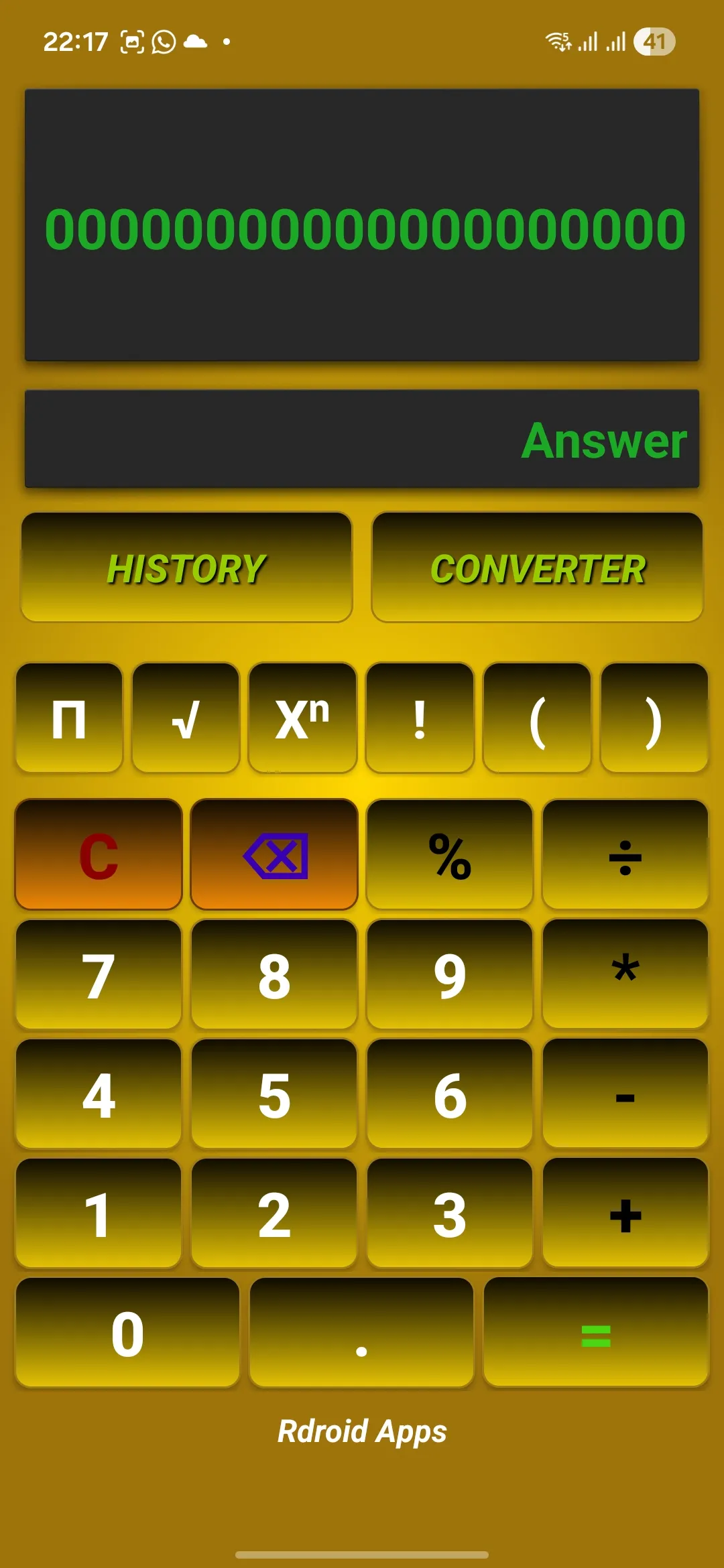
Golden Calc is a powerful scientific calculator app that combines advanced mathematical functions with a comprehensive unit converter. Perfect for students, engineers, and professionals — perform complex calculations, convert between units, and track your calculation history.
Loaded with advanced features and a clean material design interface compared to traditional calculators, Golden Calc is one of RDroid's most polished productivity tools. Staying true to mathematical precision, this app combines scientific calculation capabilities with practical unit conversion features.
Scientific Functions
Trigonometry, logarithms, exponents, factorials, and more with high precision.
Unit Converter
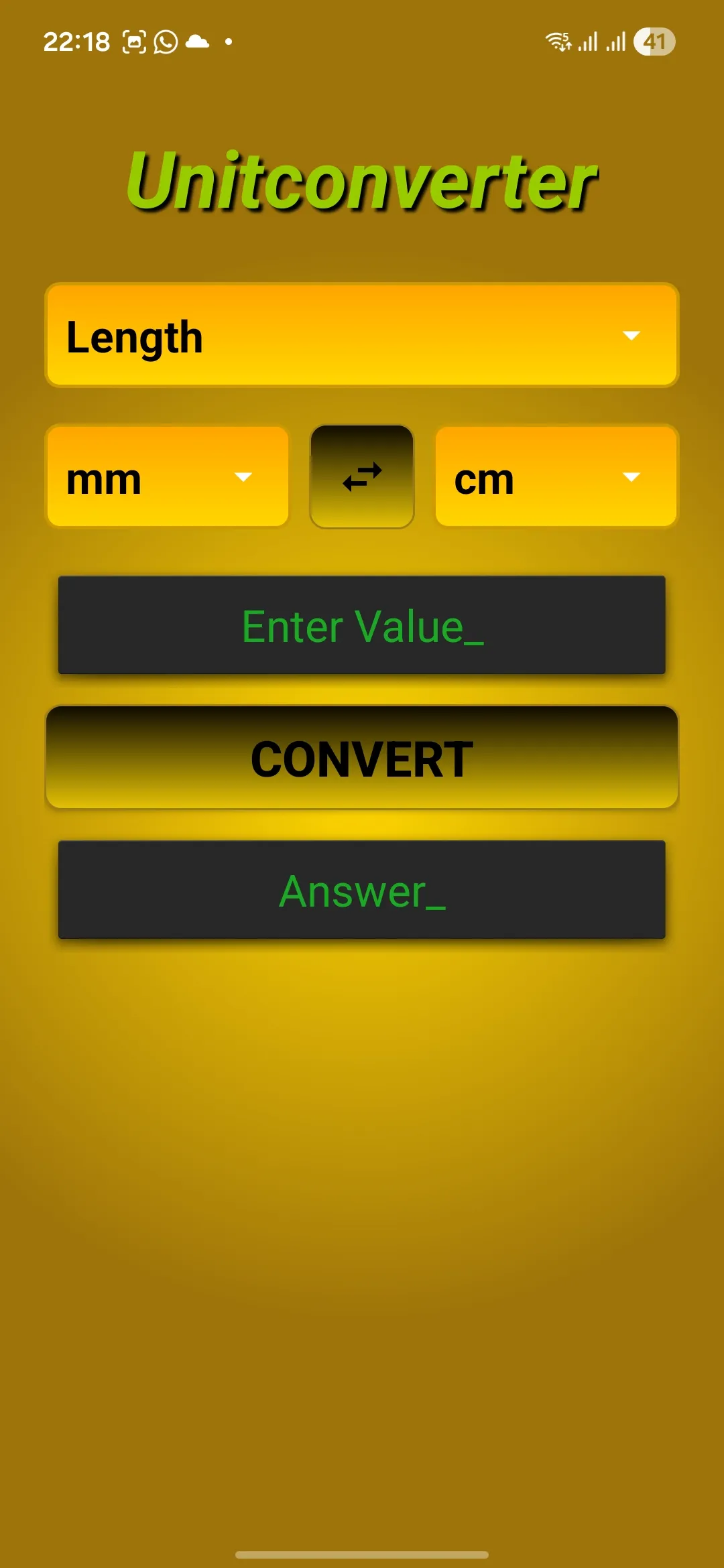
Convert between length, area, volume, temperature, mass, data, and more.
Calculation History
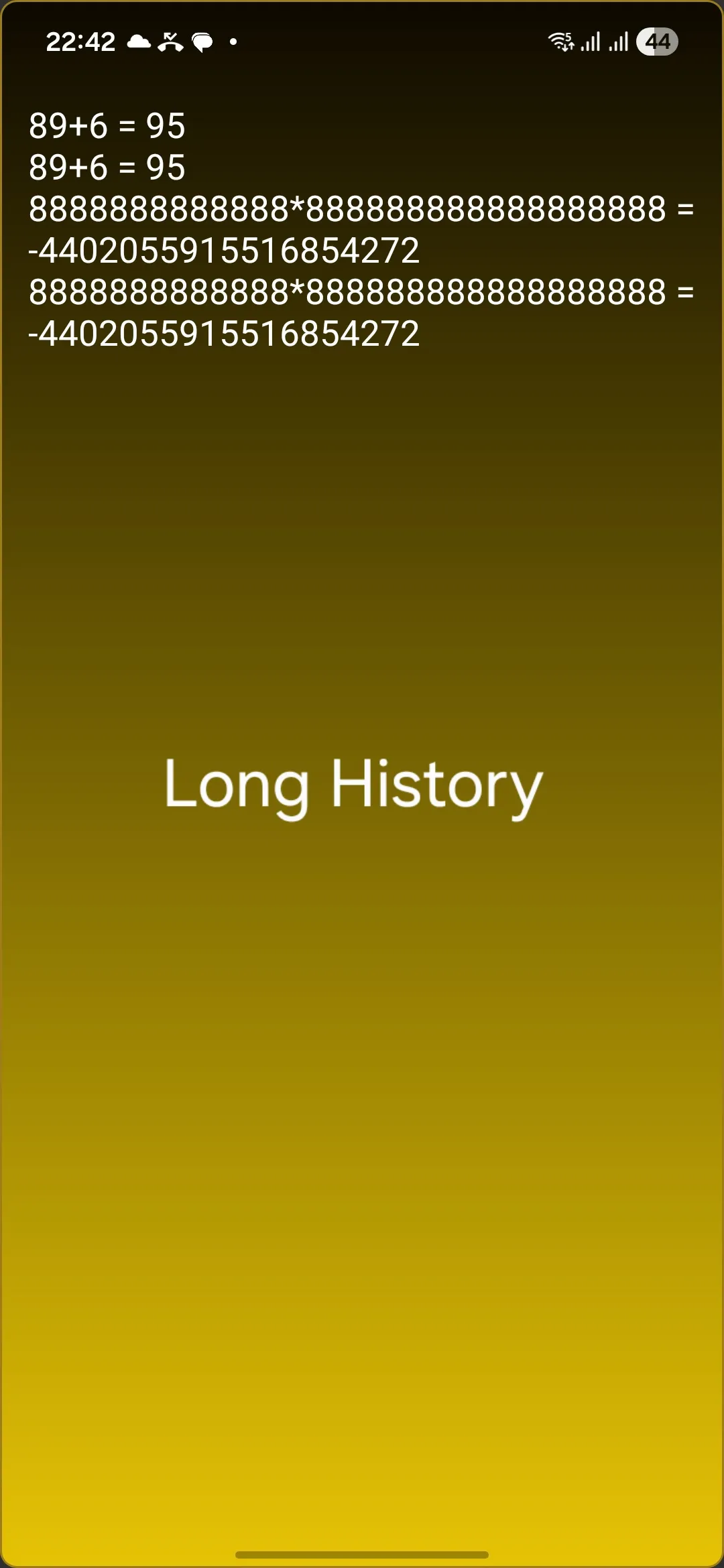
View, select, and manage your calculation history with easy copy options.
Smart Interface
Word selection, live results, and customizable input with gesture support.
Is Golden Calc suitable for students and professionals?
Golden Calc is designed for a wide range of users, including students, learners, and professionals who need a reliable calculator for everyday and academic use. The app focuses on mathematical accuracy and practical productivity without distracting content, making it suitable for:
- Students learning advanced mathematics
- Engineers and scientists for quick calculations
- Teachers for classroom demonstrations
- Anyone needing unit conversions in daily life
Download Information
1d43eb6199f9a55d568213e6114a64b13789b99142aad21c5f0908b1bb47374d
⚠️ Important Installation Notes
• This app is not available on Google Play Store.
• Official download is provided only via RDroidApps.com.
First-time installation steps:
1️⃣ Enable Install unknown apps when prompted by Android.
2️⃣ Android may perform a standard security scan during installation. This is a normal
system behavior.
3️⃣ Complete the installation and start using the app normally.
✅ After installation, no additional permissions or settings are required.
🎵 Creative Tip
Love creating music?
Try Pocket Music Composer by RDroid Apps — a creative tool to compose guitar-based tracks
and export them in high quality.
Available on RDroidApps.com: "Pocket Music Composer"
© RDroid Apps